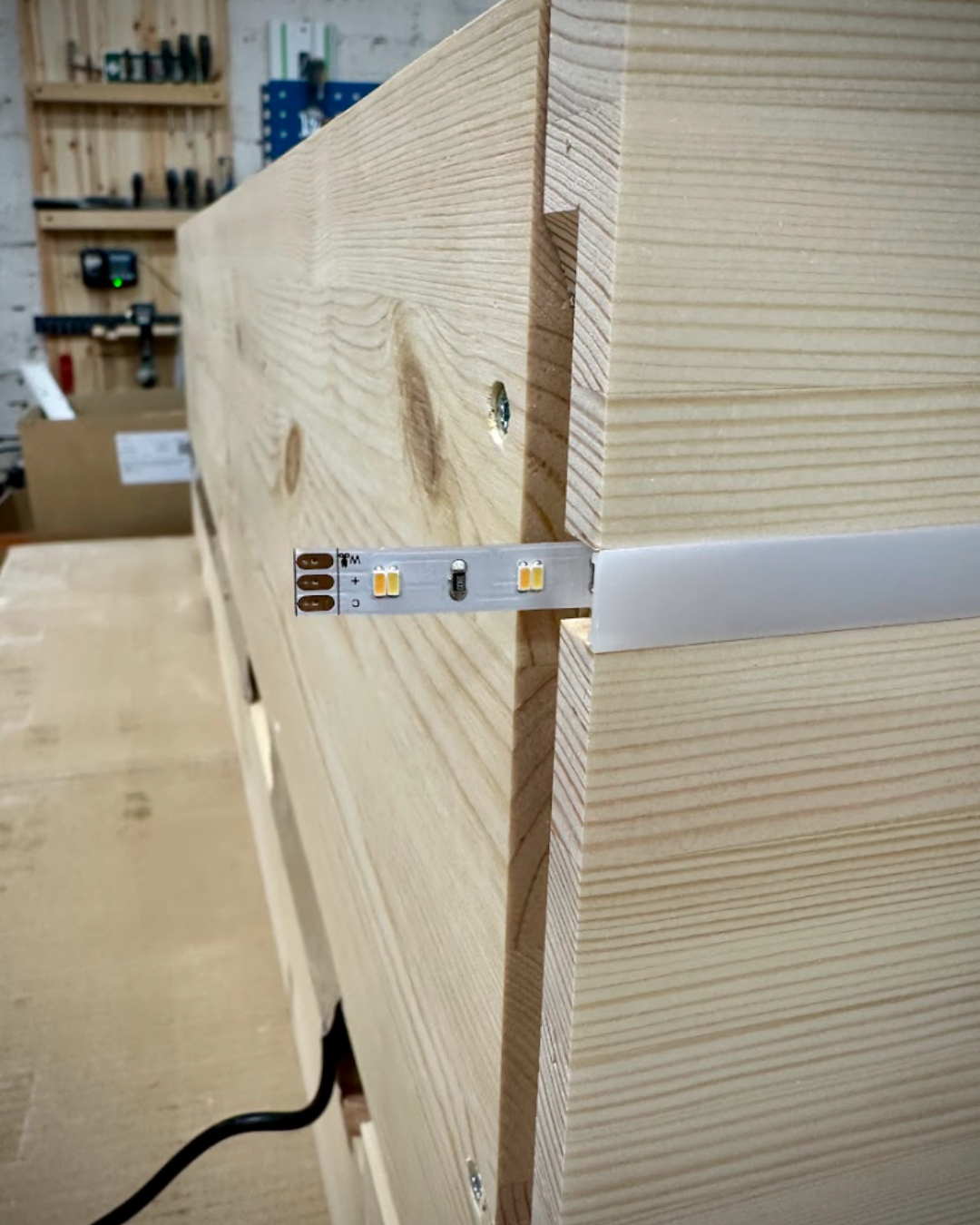
• Press the plastic track into the pre-milled groove on the cover panel.
• Slide the LED strip into the slot on the plastic track.
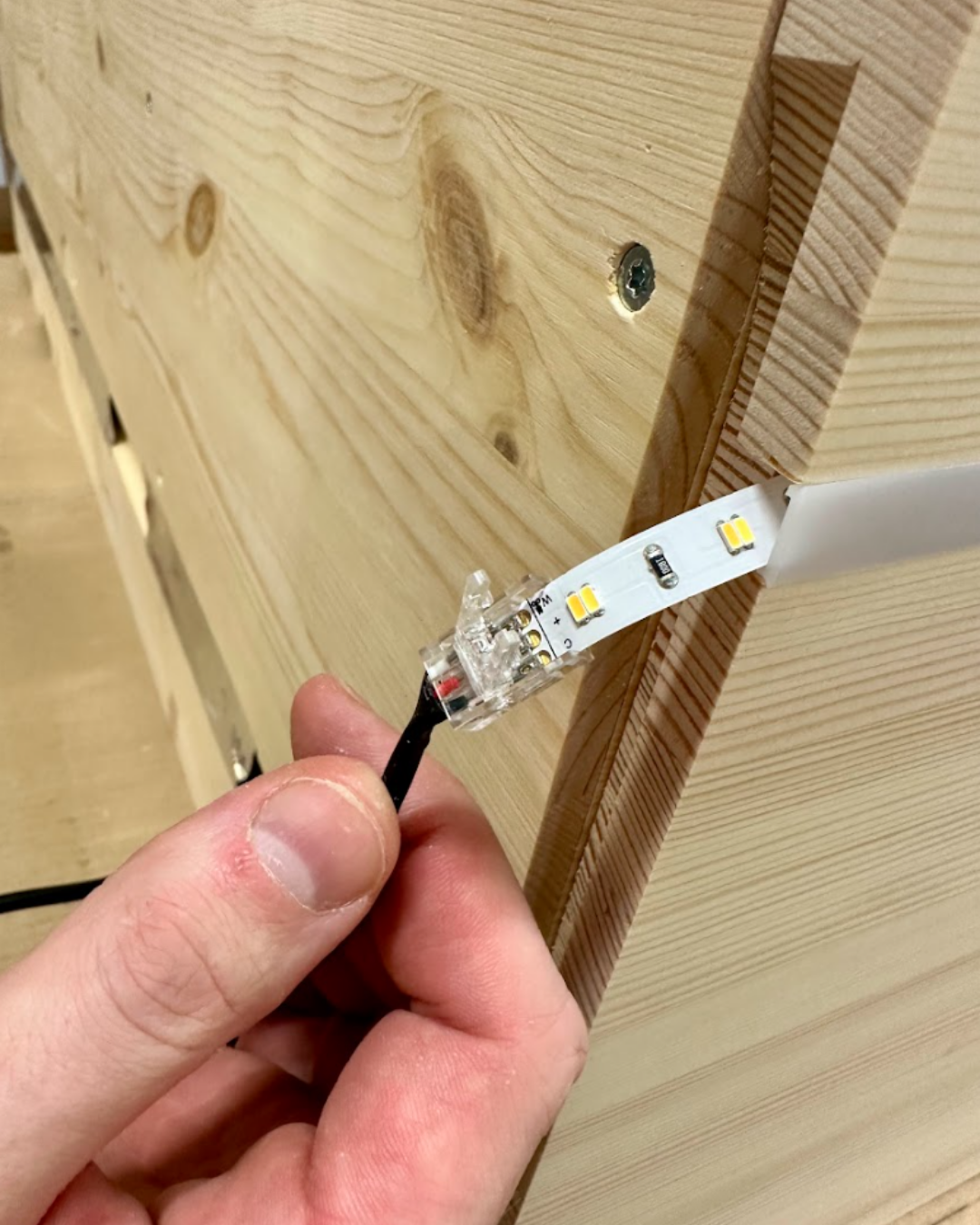
• Connect the cable to the LED strip using the quick connector. Open the quick connector by pressing the two pins together.
• Attach the cover panel from the inside of the cabinet using 4.0×35 screws (the number of screws depends on the cabinet width). Pre-drill holes in the bottom panel of the cabinet before installation to facilitate fastening.
Installation Guide for the Connect Mesh App
1. Download the Connect Mesh app for free on Apple iOS® or Android.
2. Grant the app permission to detect Bluetooth devices.
3. Tap “Create/Import Mesh Network”.
4. Enter a name for the device.
5. Select the room where the lighting is located.
6. Tap “Add Device”.
7. Tap “Add Network”.